SF Shadowfetch SnapDeck

Study Utility

Turn screenshots and PDFs into a deck you can actually study.

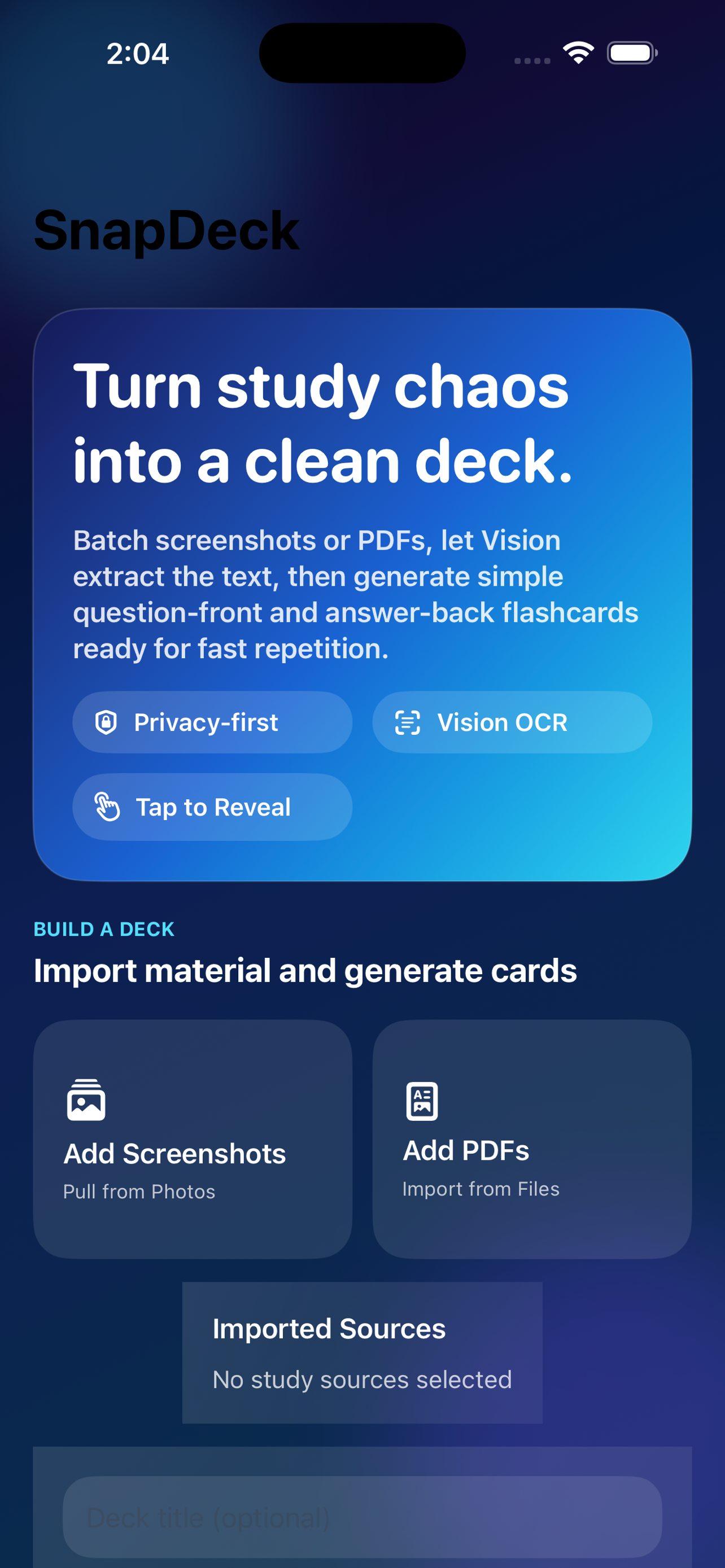
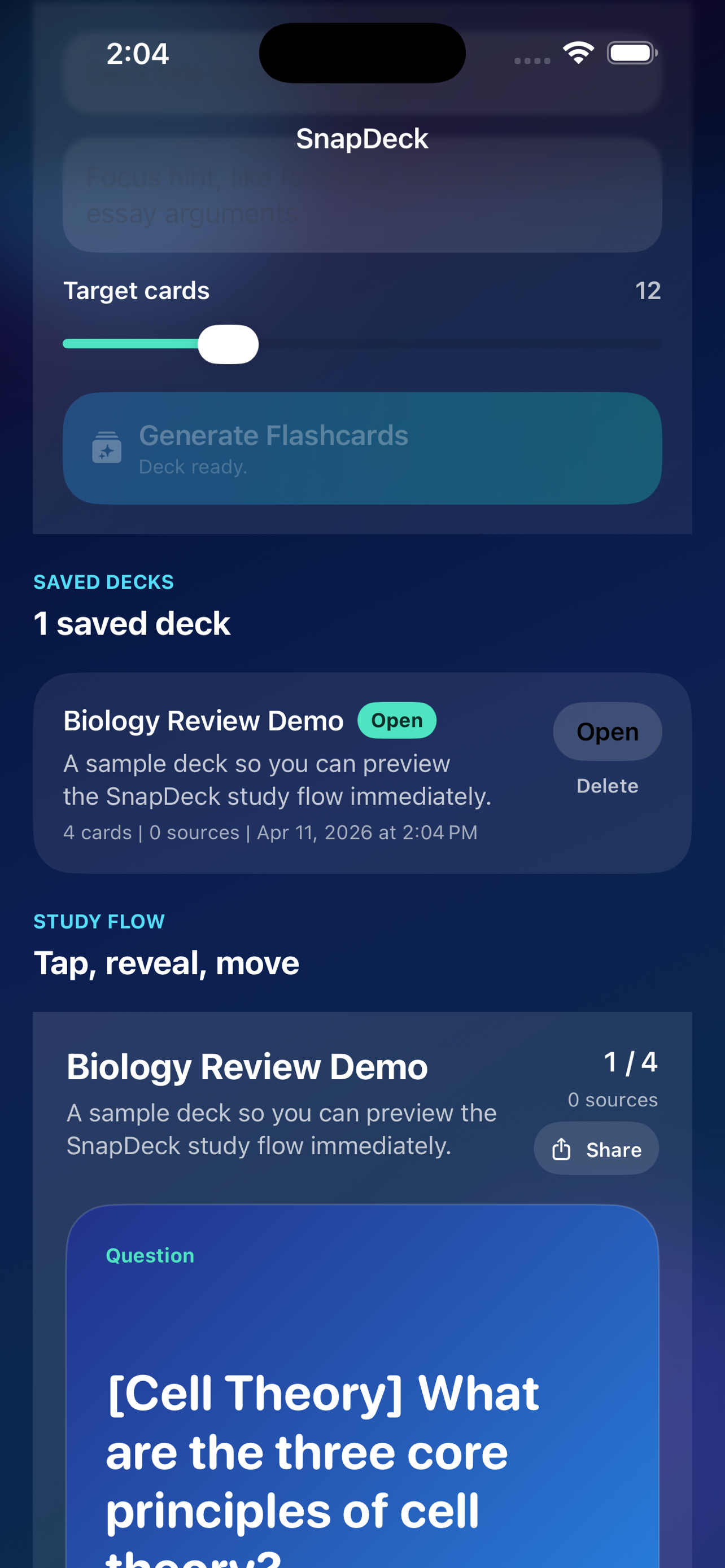
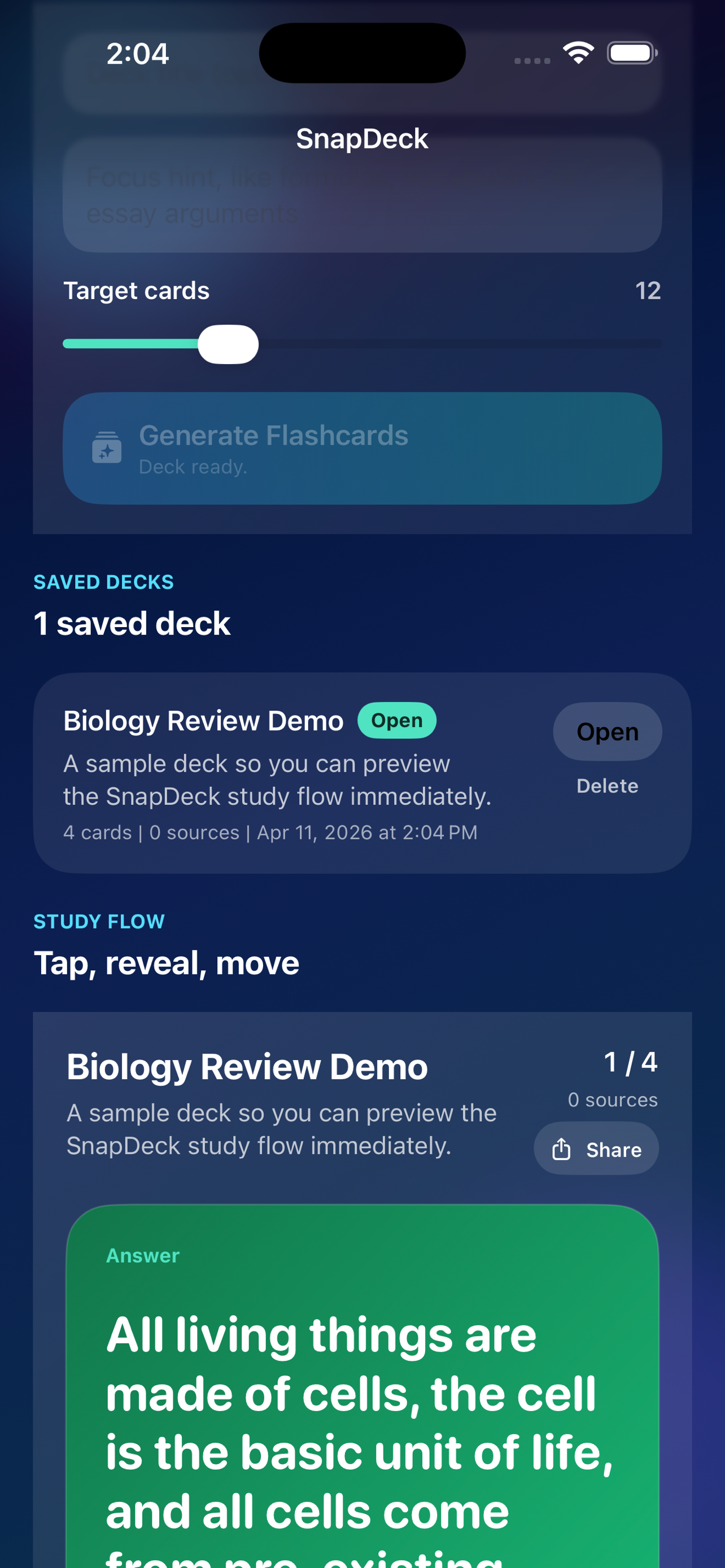
SnapDeck converts screenshots and PDFs into question-and-answer flashcards with on-device OCR. It is built for students who want faster review, stronger retention, and a tap-first study flow without accounts, subscriptions, or online deck management.

  • Platform: iPhone and iPad
  • OCR: On device
  • Deck storage: Local

Explanation

What this app is actually for.

SnapDeck exists because students already have screenshots, packets, and PDFs. The useful move is turning that existing material into a deck without making them rebuild the content manually.

What it is

A flashcard builder from captured material

The user imports screenshots or PDFs, SnapDeck extracts text locally, and the app produces a deck they can study right away.

Why it matters

Study preparation is usually too expensive

A lot of revision effort goes into formatting and retyping. SnapDeck reduces that setup burden so more time goes into actual recall.

Where it fits

School, exam prep, and focused review

It works best for learners who want a privacy-first utility they can own once and use repeatedly.

Screens

How the product shows up on device.

These screens give the product page more weight and make the app feel real instead of abstract.

Links

Open the right path.

Support, policy, accessibility, and portfolio links stay direct so the page works as a clean public product surface.